When we send messages on Instagram, we always meet some private users. We have to follow them first and wait, so how can we solve this issue?
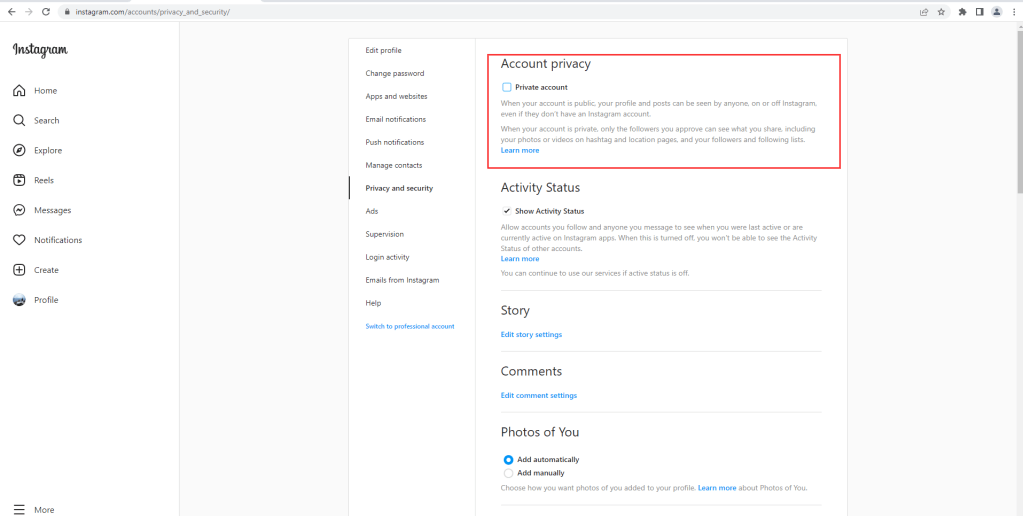
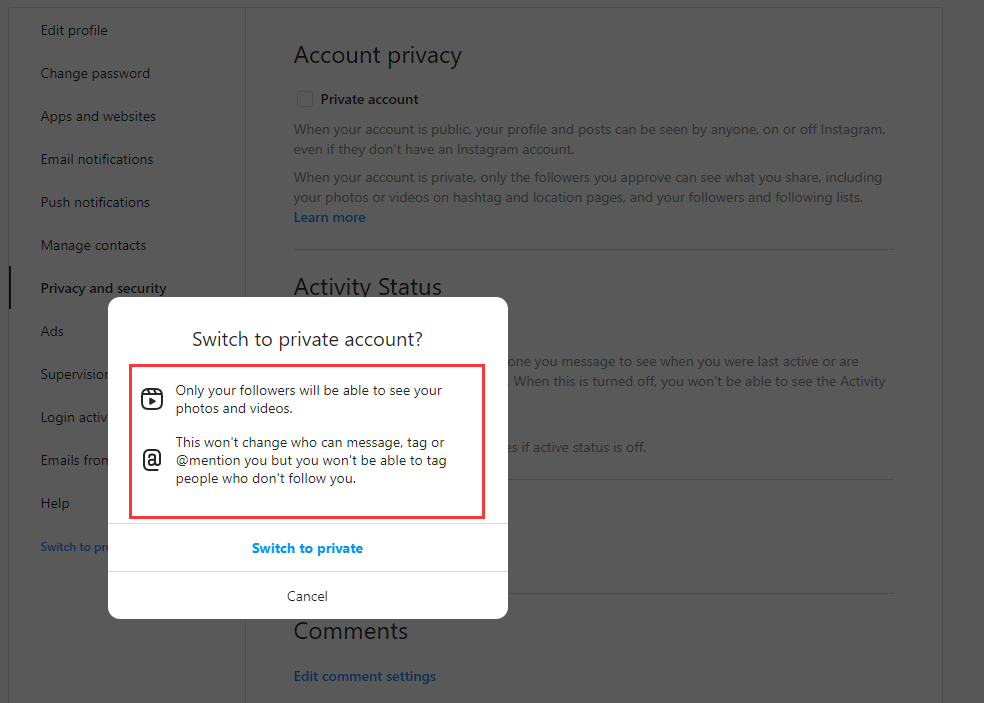
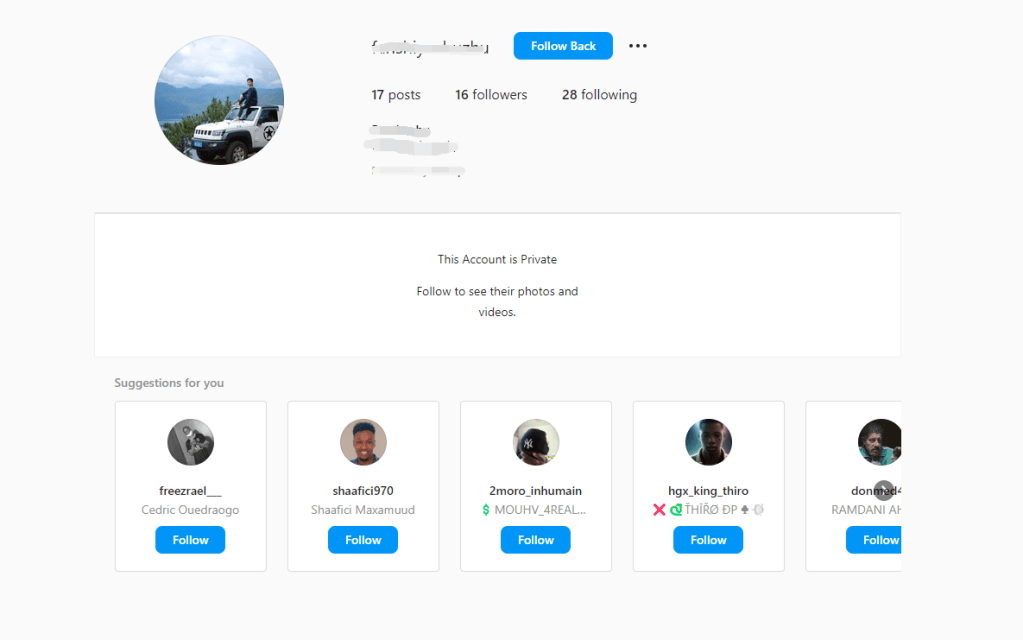
If you want to search users’posts and like, comment, you’ll find that you cannot see private user’s posts, so how can you do next step?
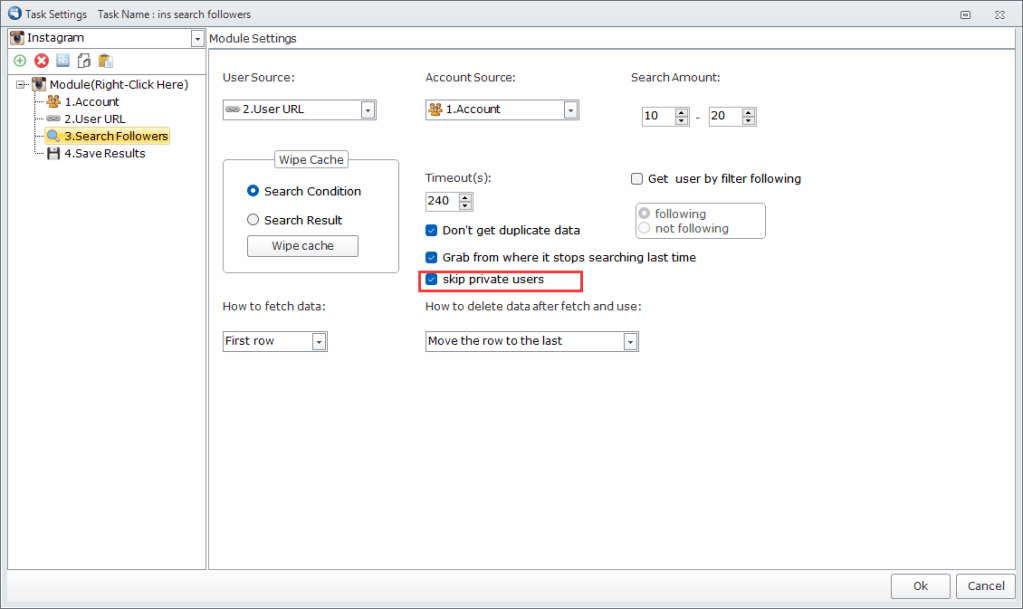
Try to use FollowingLike
It can help you skip private users when searching followers and followings. You don’t have to tick this box if you need those users. It’s all up to you. By the way, you can continue to search from where you stop last time.
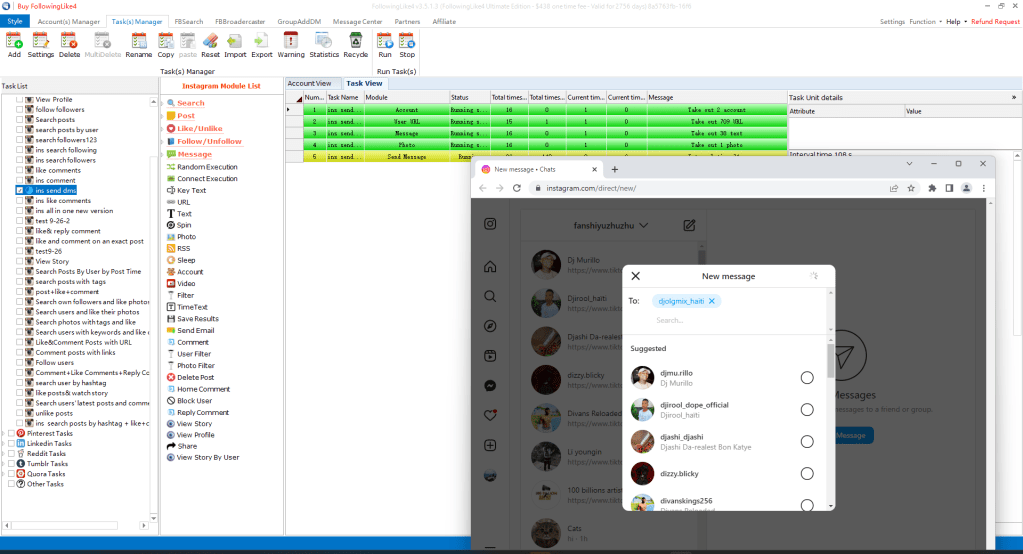
There is another kind of users who set don’t receive messages from anyone or any followers.
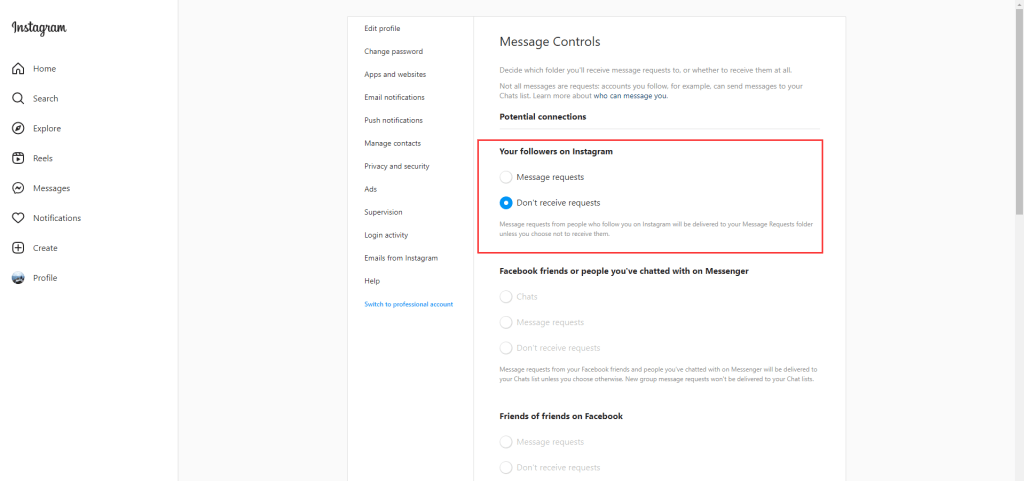
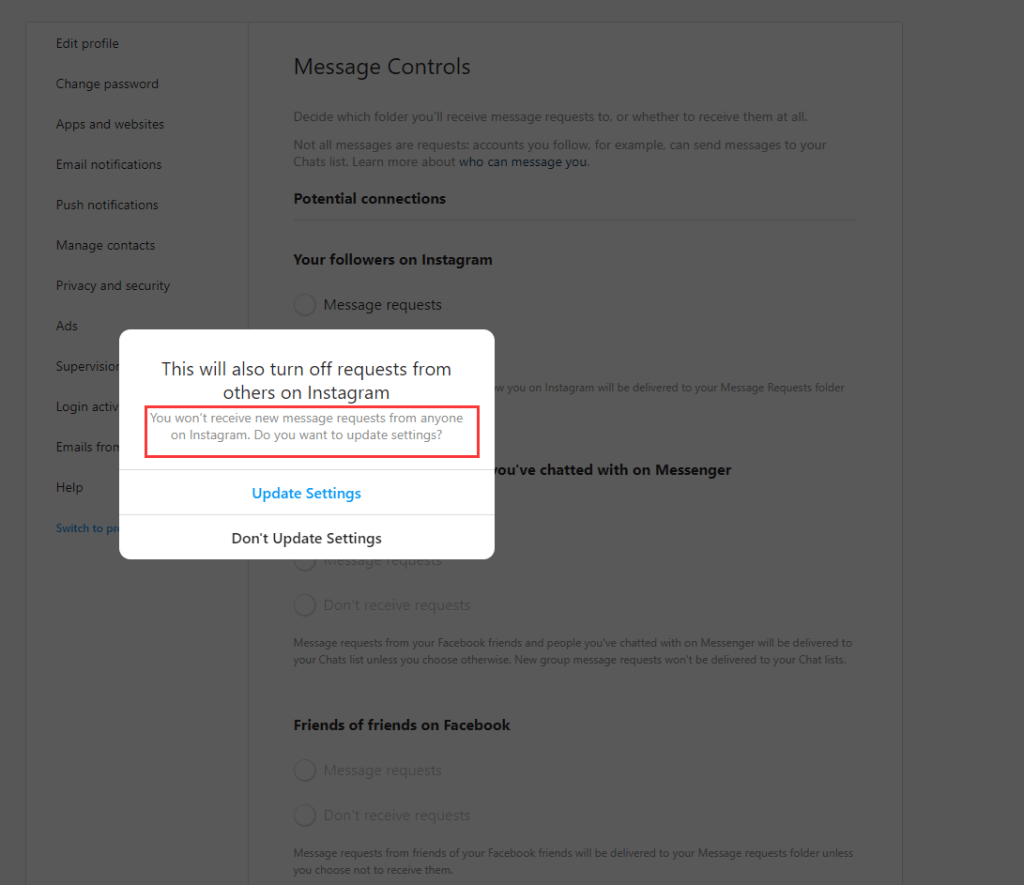
For now, these users cannot be searched out, so when you send dm to these users, it will tell you no account found, which means this user set “Don’t receive requests”
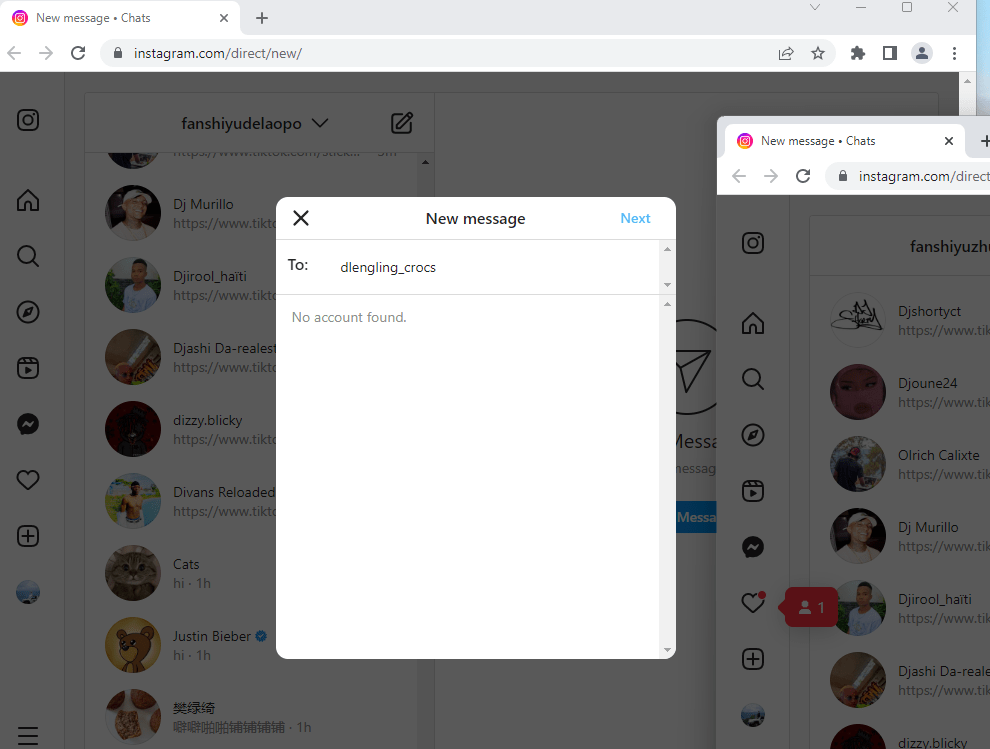
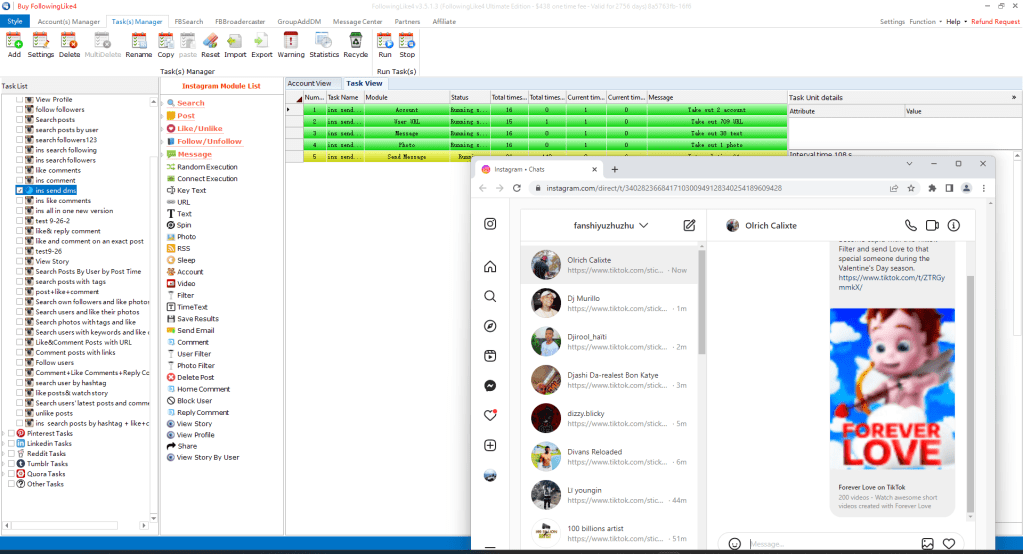
If the peorgam can search out this user, it wil auto send dm to him/her.
Warm tips:
- The more accounts (witih different ips) you have, the more messages you sent.
- IPs are flagged if there are multiple sessions on the same IP that exercise suspicious behaviour. That is why publicly available proxies rarely work on Instagram and sharing the same IP for more than 5 accounts is usually a bad idea.
- This is very common and happens if you like too many posts, leave a lot of comments (especially repetitive and spammy), send an excessive volume of DMs or follow / unfollow too many accounts in a single day.
- If your sessions are getting action blocked repeatedly your entire account is under risk of receiving an action blocked. Account wide block means you won’t be able to like, follow, leave comments or send DMs (depending on the nature of the block) for a certain period of time from any session for that account.Waiting out and reducing the number of actions you’re making on your account is the only solution for this type of block.
- You can send 20 messages one time per account and run several times in a day to avoid session action block or action block.
FollowingLike download and installation tutorial https://www.youtube.com/watch?v=11AvSJt_RLE
Free license: FollowinglikeFreeVersion Join FollowingLike Service Group https://chat.whatsapp.com/Ff0tMcZNy7fLWfT601lsSO

 FollowingLike