A fingerprint browser, also known as a browser fingerprint, is a type of online tracking technique that collects and analyzes various information from a user’s web browser to create a unique identifier, or “fingerprint,” that can be used to track the user’s online activities. This information may include the user’s browser type and version, operating system, installed fonts, screen resolution, and other device-specific details. The use of fingerprint browsers is a privacy concern for some users, as it can be used to identify and track individuals across multiple websites and online services.
as an internet marketer, there are times you may need to go anonymous. Also, your online security is paramount.
While tools such as VPNs and proxies offer anonymity and online security, they don’t offer as much flexibility as antidetect browsers.
What Are Antidetect Browsers?
Also known as stealth browsers, antidetect browsers are browsers similar to the likes of Google Chrome, Safari and Mozilla Firefox.
But as the name suggests, they are designed to offer anonymity by spoofing data and parameters that might enable websites to trace your identity.
With an antidetect browser, users don’t need multiple physical devices to get a separate browsing environment.
Browser fingerprinting is the newest and most reliable technique that websites use to identify users.
According to a publication by Ntrepid, an American software, hardware, and cyber security company, over 400 of the top 10,000 websites are actively using browser fingerprinting to track users who are clearing cookies or changing their IP addresses to conceal their identity.
These are worrying statistics, but the good thing is that antidetect browsers work by masking all your browser fingerprints. With this masking, you are guaranteed anonymity.
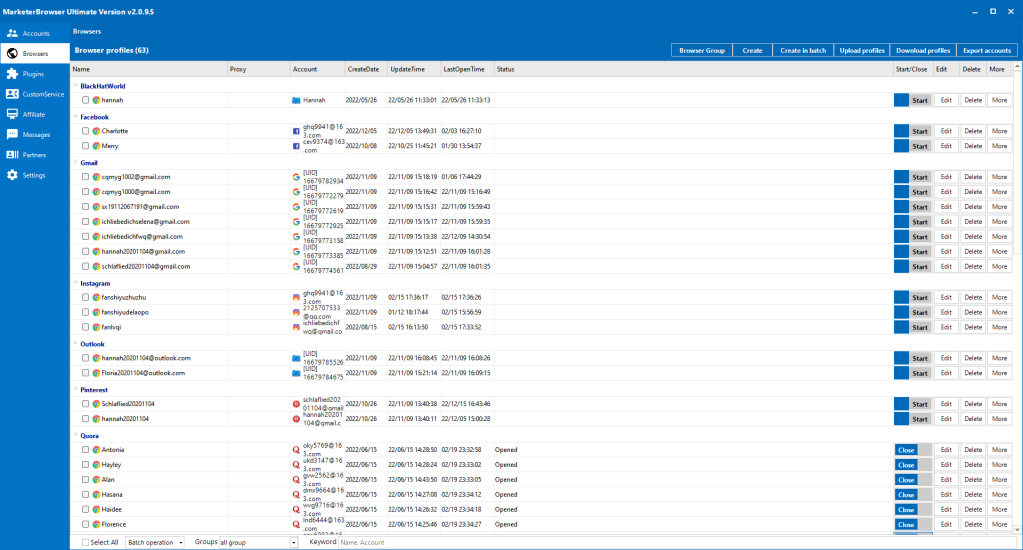
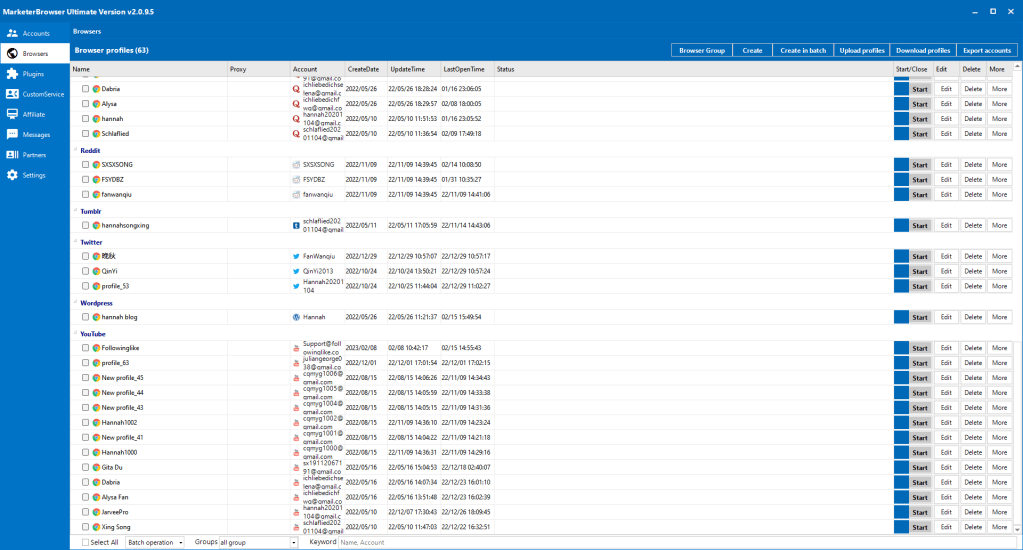
While insstead of preventing websites from reading your device’s fingerprint, MarketerBrowser allows it to read but replaces your original fingerprint with a different one. MarketerBrowser also generates different device fingerprints and bind different fingerprint to your accounts. Each account will use separated settings with all the tasks once with unique proxy IP, device fingerprint, and more. That is why you can use MarketerBrowser to manage and run many accounts with different proxies safely.

 FollowingLike